
The first time you need an appliance invoice is often the moment you discover that it is buried in a messaging thread. A repair photograph may be on another phone, while the model number belongs to an earlier version of the equipment. For an apartment you use between trips to Hurghada, scattered information can make a small practical task unnecessarily difficult. A clear owner’s file helps you find the relevant record without starting the search again.
This is an organisational guide, not a list of documents that proves ownership or satisfies legal requirements. A qualified adviser should explain which original documents your particular transaction requires and how they should be retained. The file described here connects your day-to-day records: the apartment reference, equipment, invoices, service history and unanswered questions. It can be a paper folder with a simple digital copy. You do not need an elaborate management system to make it useful.
Begin with a reliable apartment reference
Create a short cover sheet identifying the exact apartment, building and entrance using the references in your actual documents. Add a location description that you have checked, rather than relying only on a project’s general map pin. If different suppliers use different references, record the connection clearly. The purpose is to avoid attaching a useful invoice or repair note to the wrong unit.
Keep a separate section for contacts and their roles. A sales contact, building representative, equipment supplier and maintenance provider do not automatically have the same responsibilities. Record what each person or organisation actually handles and the date you checked the details. Obtain current information directly where possible. Do not describe somebody as responsible for a service merely because they once helped arrange it.
Make the cover sheet short enough to use during a call. It should tell you which apartment you mean and where the relevant information is stored. It does not need passport copies, payment credentials or a complete purchase history. Those belong in appropriately protected records, not on a convenient page that may later be shared with a contractor.
Separate original documents from everyday working copies
Ask your adviser which records must be retained in their original form and which copies are useful for routine reference. Do not assume that a scan replaces an original, establishes the authenticity of a document or confirms its legal effect. This article does not determine those questions. Its practical suggestion is to make it clear which version you are looking at and where the original is held.
For working copies, choose a naming pattern that you can understand months later. A date, apartment reference and short description are usually more useful than a default photograph filename. Mark unsigned drafts, proposals and completed records distinctly. If two versions exist, retain the context that explains why they differ instead of letting one silently replace the other.
Avoid putting everything into one large collection called property documents. Use a few understandable sections, such as transaction reference, apartment condition, equipment and service history. The structure should help you answer a real question quickly. If you cannot find a recent invoice without opening twenty unrelated files, the system needs simplifying rather than adding more categories.
Connect the handover record to the actual apartment
Keep the apartment-condition record together with dated photographs and any agreed list of items still to be addressed. Describe the room, position and observation in plain language. A close-up photograph alone may not tell another person which window, cabinet or wall is involved. Include a wider view when useful, while avoiding personal information that does not belong in the record.
Separate an observed condition from an explanation somebody has offered. For example, a mark beside a window is an observation; its cause requires appropriate assessment. Do not turn a guess into a technical conclusion in your file. Record who was asked to inspect it and what response was received. Where there is a proposed remedy, keep the description and any approval with that issue.
Our furnished-apartment inventory guide explains how to clarify included furniture and equipment. Link that agreed list to your file rather than relying on marketing photographs. If an item changes later, add the date and replacement reference. A useful record follows the apartment as it actually becomes, not only as it appeared during the original viewing.
Give each important appliance a simple record
For equipment you may need to service, collect the manufacturer’s identification, model information and the relevant purchase or installation record. Use details from the actual appliance and paperwork. Similar-looking products can have different instructions or parts, so an image of the room is not a reliable substitute for the equipment reference.
Keep operating instructions and warranty information alongside that item. Confirm terms with the supplier or manufacturer for the actual product, including any documentation they ask you to retain. Do not assume a standard warranty period, transferability or service entitlement. This guide does not promise that a particular appliance is covered or that a claim will be accepted.
A simple equipment entry can identify the item, where it is installed, which documents relate to it and who supplied it. Add a photograph of the label if you can obtain it safely without disturbing the equipment. Leave specialist access or inspection to a suitable professional. The aim is better information for a service request, not an invitation to dismantle anything yourself.
Keep invoices connected to the work they describe
An invoice saved on its own can become difficult to interpret later. Link it to the apartment reference and the item or task it concerns. Record the date of the work, supplier, agreed scope and supporting reference. Keep a quoted proposal separate from a record of work completed and from confirmation of payment.
If something is unclear, request an explanation while the details are still easy to reconstruct. A brief description of the task can be more helpful than a vague file called maintenance. Preserve the original wording of the supplier’s document and put your own notes alongside it. Do not alter a receipt to make it appear to describe something that was never supplied.
For work arranged by another person, ask what record you will receive and how questions are handled. A photograph may help show what was done, but it does not automatically establish technical quality or resolve a disagreement. Keep any relevant inspection or follow-up separately identified. The file should make the sequence understandable, including what remains unresolved.
Build a maintenance history rather than a pile of messages
Create a chronological log for each recurring issue or important service event. Start with when the issue was reported, what was observed and who was contacted. Add the response, any agreed next step and the eventual outcome. A short entry linked to the underlying documents is better than copying an entire conversation into every section.
Use factual descriptions. If a problem reappears, note the new date and what is different rather than assuming the earlier cause has returned. The log helps a suitable professional understand the history, but it does not replace their assessment. Where photographs are useful, identify the same location consistently so that comparisons mean something.
Set reminders from confirmed instructions or arrangements, not from a generic timetable copied from another property. The equipment manufacturer or appropriate service provider should explain relevant tasks for your actual installation. Record the source of the recommendation and review it when equipment or use changes. A reminder is a prompt to organise the agreed check, not evidence that the check has happened.
Add readings and expenses without mixing their meanings
If you keep meter readings, photograph the correct meter and note the date, unit reference and displayed reading. Confirm the meter’s association with your apartment through the appropriate party. Avoid inferring a bill from a photograph alone. Billing periods, account details and supplier explanations need their own records.
Distinguish invoices, amounts paid, deposits and estimated future spending. These describe different things. An amount set aside for a possible task is not proof of an expense already incurred. If somebody manages payments for you, ask for the supporting explanation and reconcile it against the records relevant to your own arrangement.
For rental-management records, see our guide to reading a manager’s statement. Keep that reporting separate from your personal record of equipment and repairs, with links where necessary. This article does not set accounting or tax rules. Ask an appropriate adviser which documents are needed for your circumstances and retain the originals they identify.
Share only the part needed for the task
A technician arranging an appliance visit normally needs information about that appliance and how the visit will be coordinated. Sending the entire apartment archive can expose unrelated personal or financial material without helping the task. Prepare a small relevant set of records and confirm the intended recipient before sharing it.
Keep access information separate from general equipment notes. Do not include passwords, alarm codes or photographs of keys in a widely shared folder. Arrange access directly with the appropriate authorised person. If somebody’s role changes, review the access you previously gave them rather than assuming every old sharing link is still appropriate.
Choose a storage and backup arrangement you understand and can use during travel. Check that an important file opens and that another copy is available where you expect it. A folder name alone is not a backup. You do not need to put sensitive material in every device to make it accessible; use a method appropriate to the information and your actual needs.
Try a small test before your next departure
Imagine that an appliance stops working while you are away. Can you find its model, purchase record, relevant instructions and the current service contact without searching through unrelated conversations? Can you identify the apartment and describe the issue without sending unnecessary private documents? If not, improve that part of the file before adding more material.
Review open issues and assign a clear next action to each one. A note saying someone will check is incomplete unless you know who, what they will check and how you will receive the result. Our overseas-owner checklist covers the wider arrangements for access, inspections and communication between visits.
When discussing a purchase with NGI, ask what information is available for the specific apartment and what needs separate confirmation. Explore project information before arranging a shortlist, then keep confirmed details connected to the correct unit. A useful owner’s file does not remove uncertainty from ownership. It makes the next practical question easier to answer.
Photo
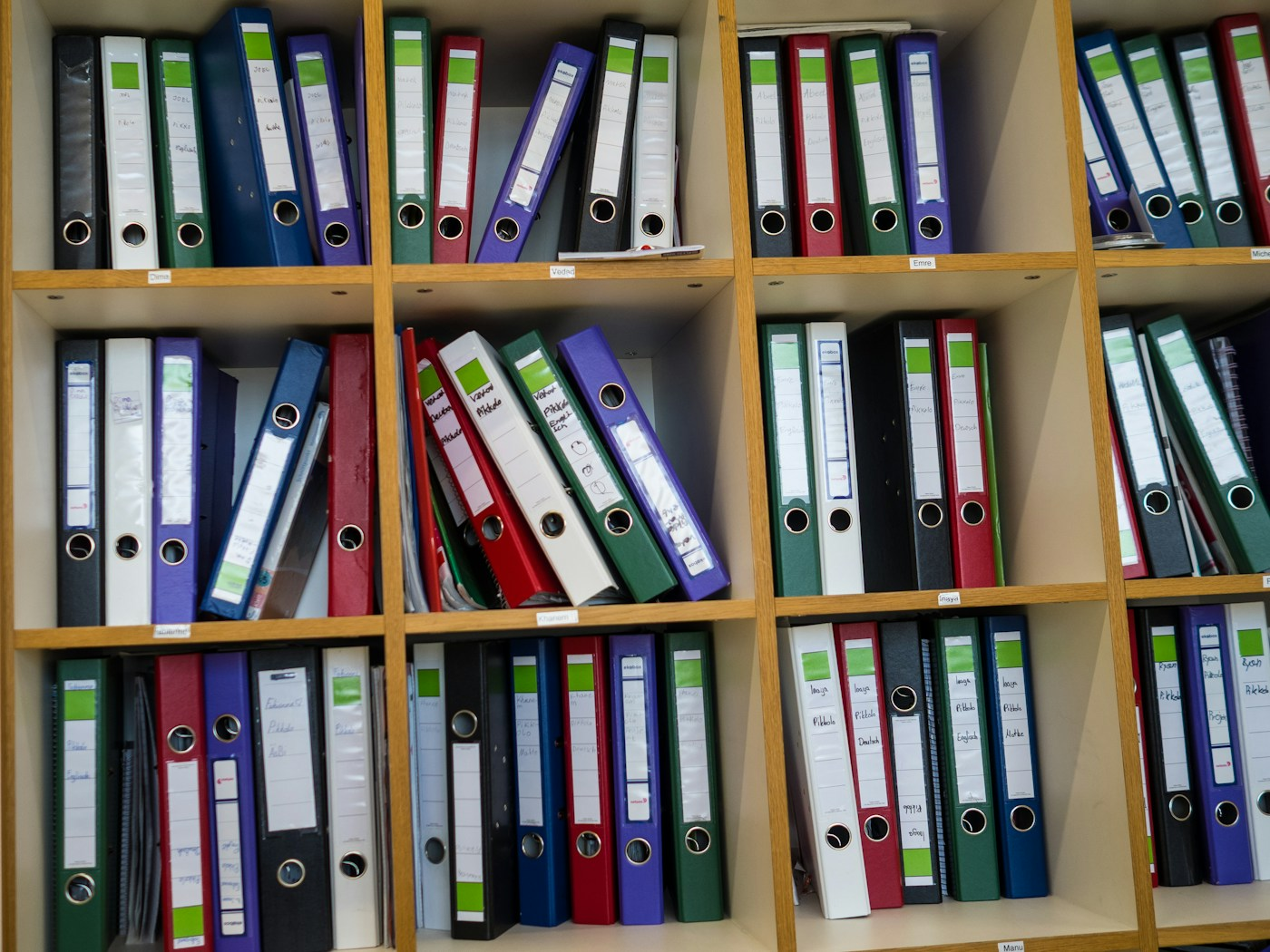
Illustrative photograph of document binders by Richard Heinen / Unsplash, used under the Unsplash License. It does not show NGI records or documents belonging to a client.

Join The Discussion